
The sales system
built for dealers.
Answer every lead in minutes, keep every rep accountable, and know which ad paid for the sale. All of it on one customer record.
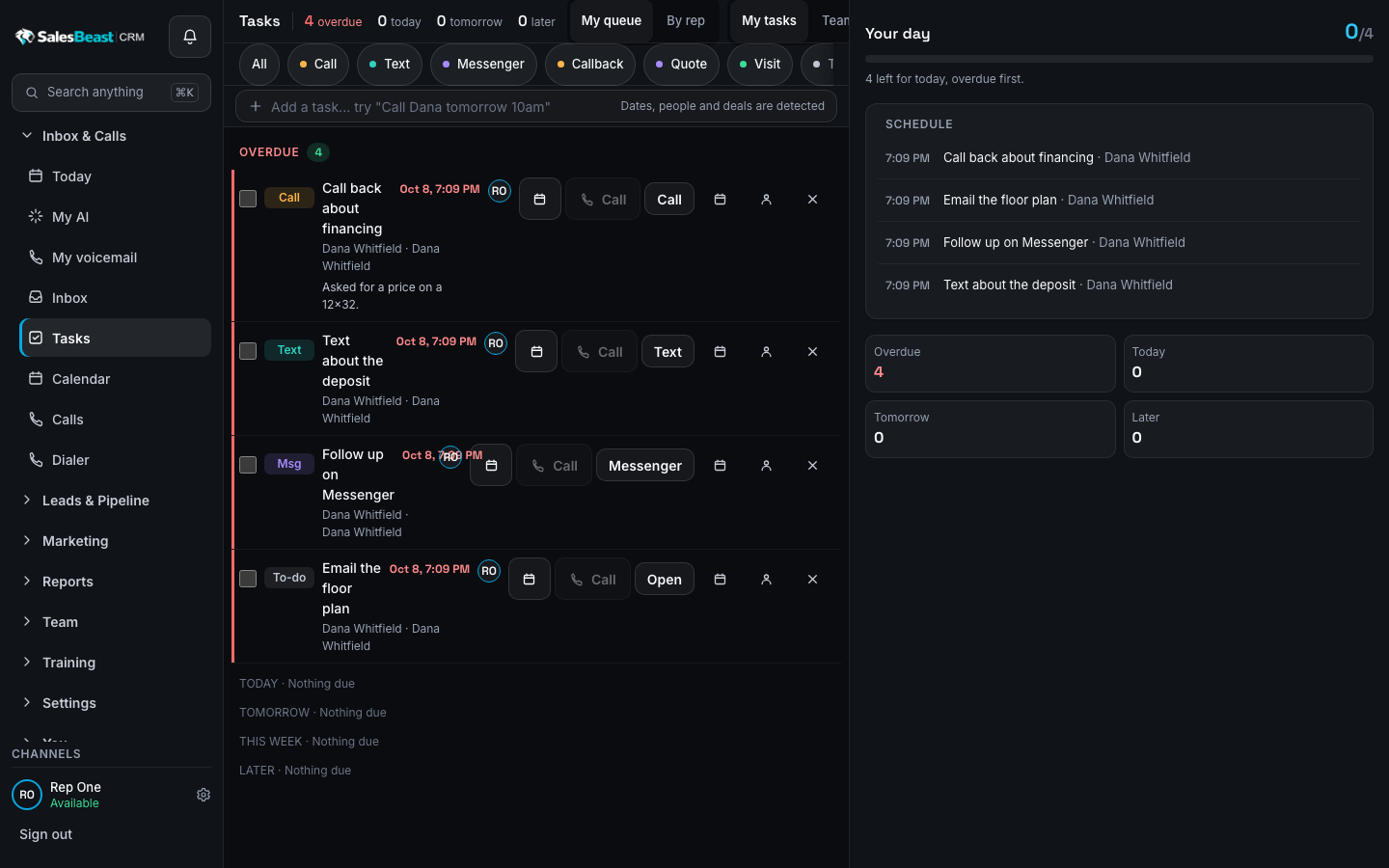
Most dealers sell with five tools that don't talk to each other. Leads go cold in the gaps between them. SalesBeast closes the gaps.
Start with one product. Grow into all of them.
Every product shares the same customer record, so nothing gets typed twice and nothing gets lost in a handoff.
Every call, text and message on one thread per customer.
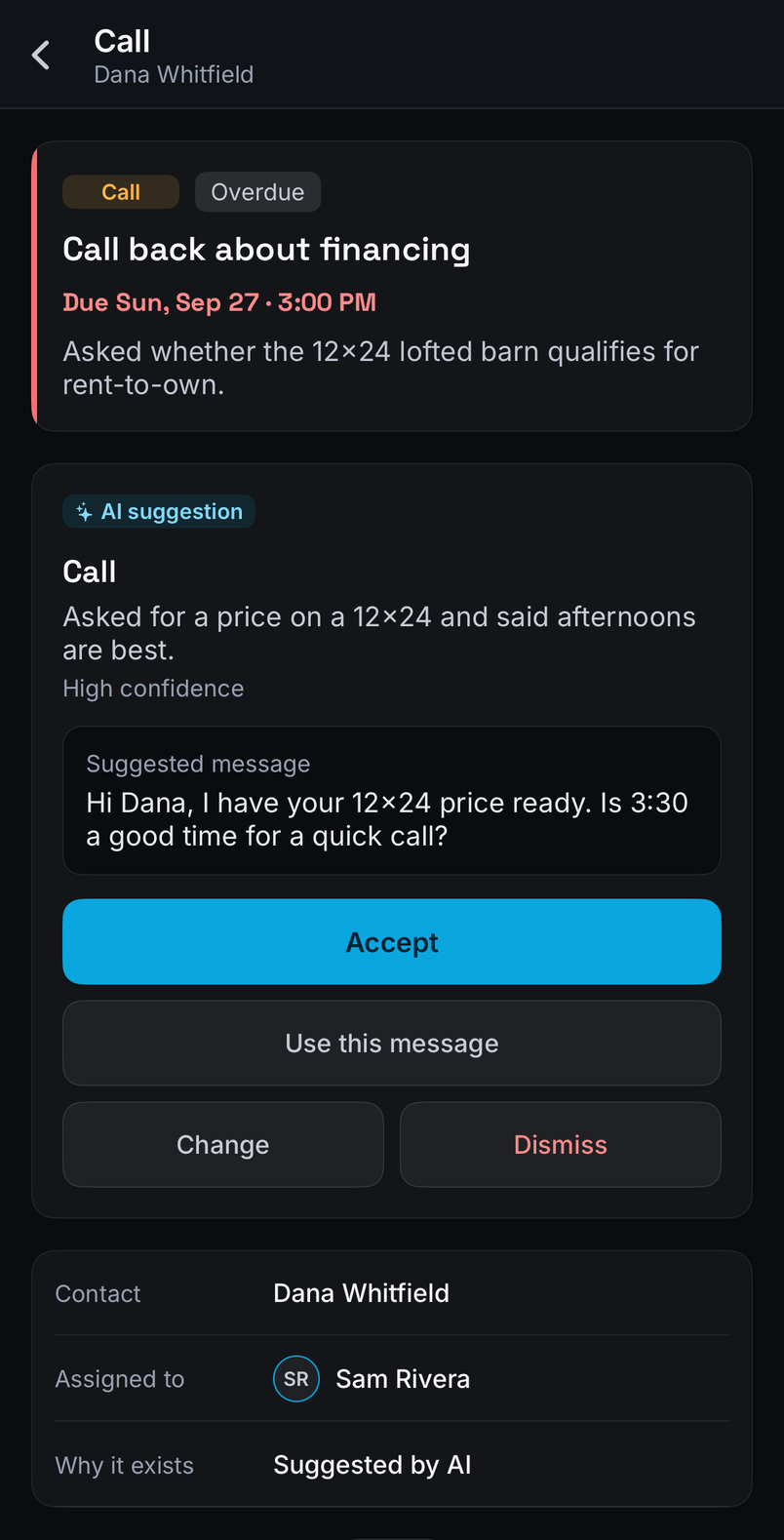
Unified inbox, power dialer, pipeline and AI follow-up suggestions, built around how a sales floor actually works.
Chat, a shared drive and tracked requests. Every handoff gets an owner, a deadline and a status.
See which ad, call and page made the sale, from first click to signed deal.
Sales-trained AI models for calls, texts, leads and follow-ups. Plug them into GoHighLevel, your CRM or ours.
An AI ads manager that builds the creative, launches lead campaigns by territory and tunes them against cost per lead.
AI-built websites and online stores, live in minutes.
SalesBeastSites.com ↗Inventory to marketplace listings, with AI photos and copy.
SalesBeastLister.com ↗Built for the speed of a real sales floor.
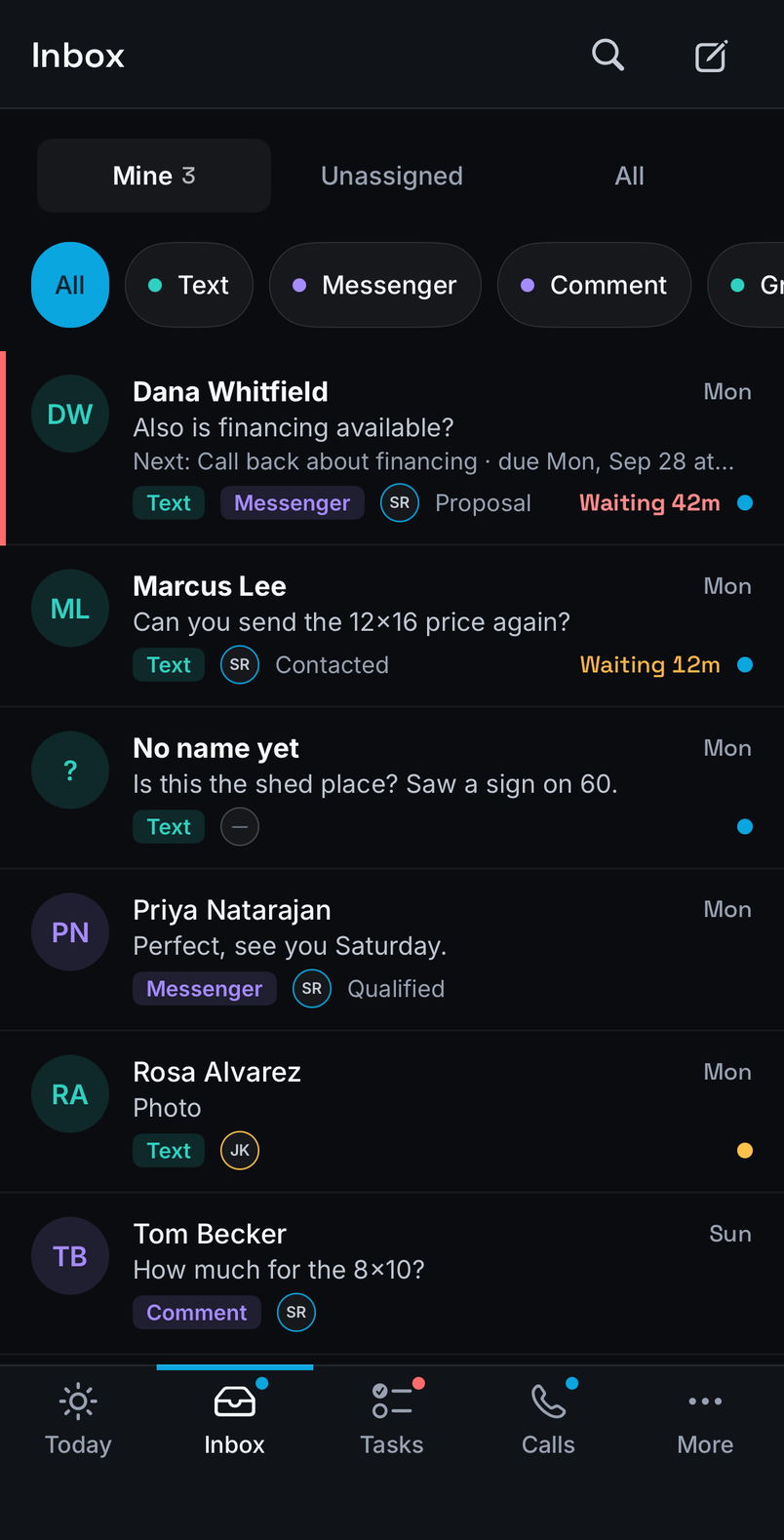
From first click to closed deal, on one record.
Made for businesses that sell big-ticket inventory.
See every industry →Your whole floor, in their pocket.
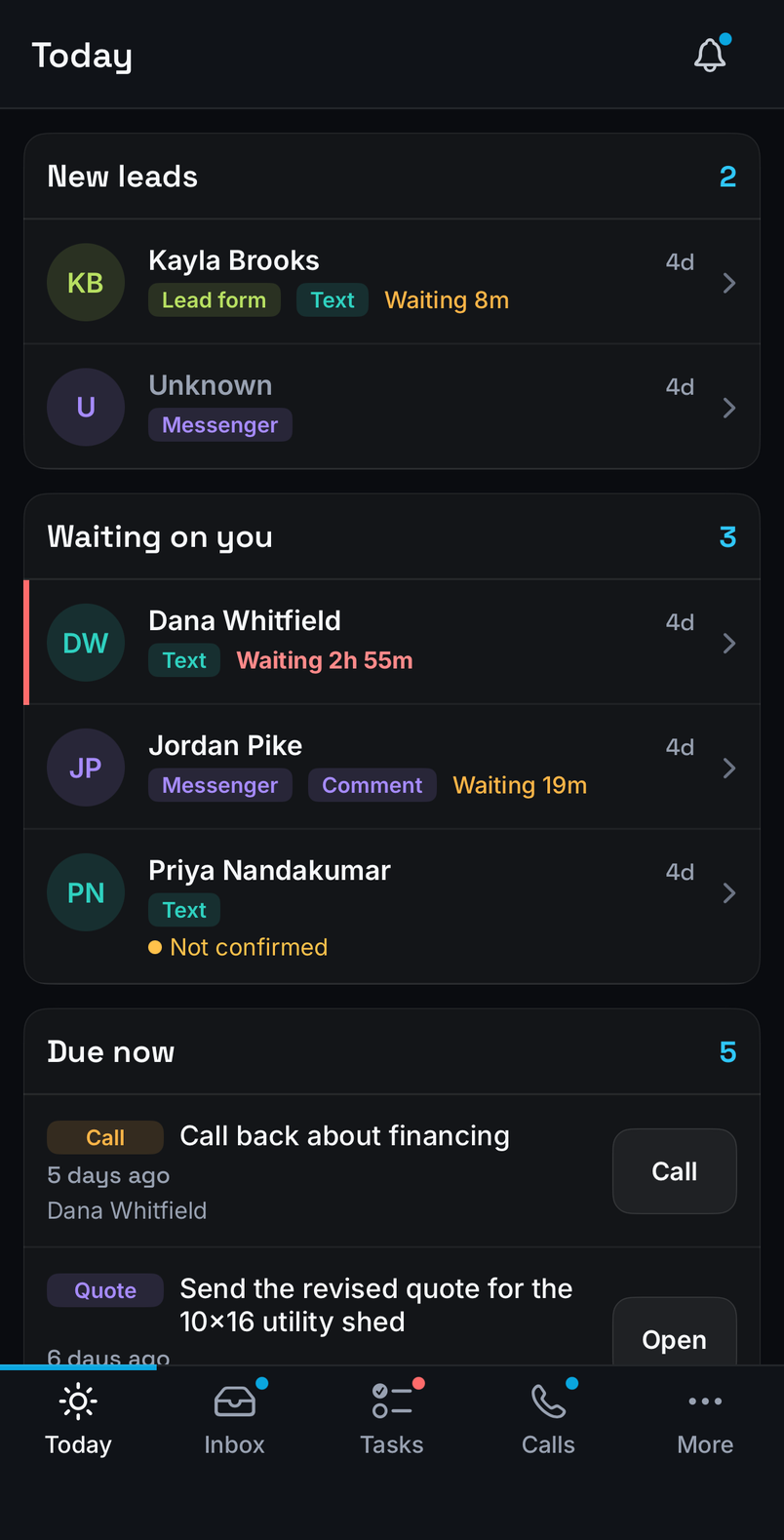
Reps take calls, answer messages and move deals from the lot, the plant or the road. Desktop and phone ring together, so no lead waits for someone to get back to a desk.
“[Featured customer quote. One or two sentences about a measurable result.]”
“[Customer quote]”
“[Customer quote]”
Questions, answered.
Something else? Talk to our team.
Do I have to buy every product?
No. Start with the one you need. The others connect to the same customer record when you add them.
Can we bring our existing leads and phone numbers?
[Answer about importing contacts, conversation history and porting numbers.]
How long does setup take?
[Timeframe and what onboarding includes.]
Is our data kept separate from other dealers?
Yes. Every company's customers, conversations and numbers are visible only to that company's own team.
What does it cost?
[Pricing summary and link to the pricing page.]
Put the beast to work.
See SalesBeast running on your own leads in a 30-minute walkthrough.